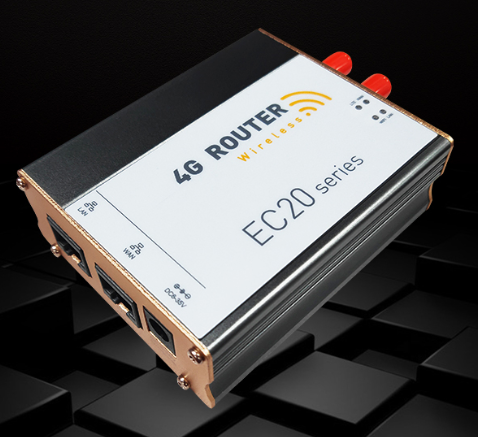
MOBITEK EC20 allows uninterrupted internet access via 4G network (LTE) for mission critical applications or systems that requires uninterrupted internet connection (in case landline service goes down).
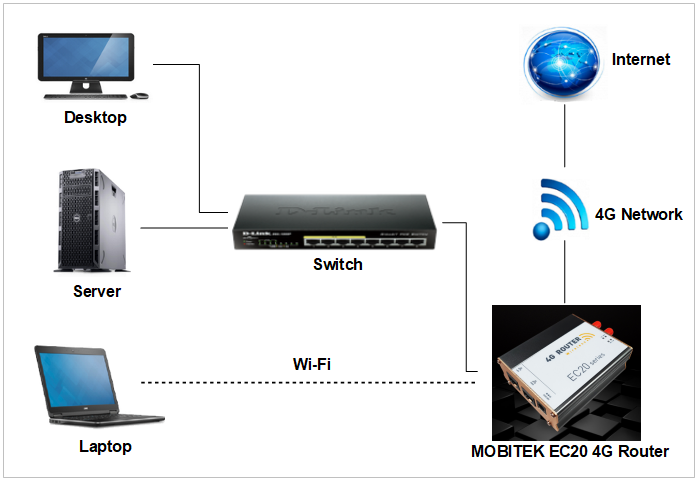
MOBITEK EC20 allows uninterrupted internet access via 4G network (LTE) for mission critical applications or systems that requires uninterrupted internet connection (in case landline service goes down).
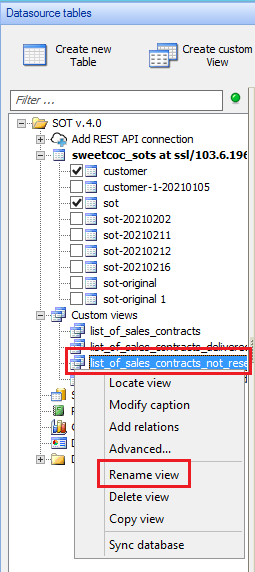
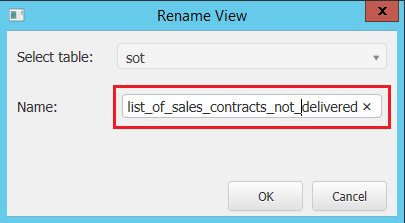
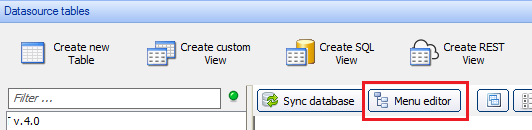
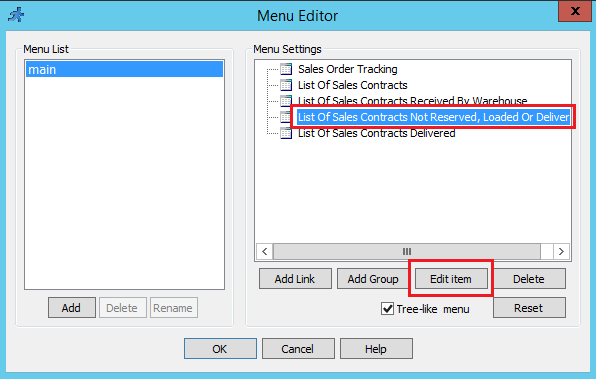
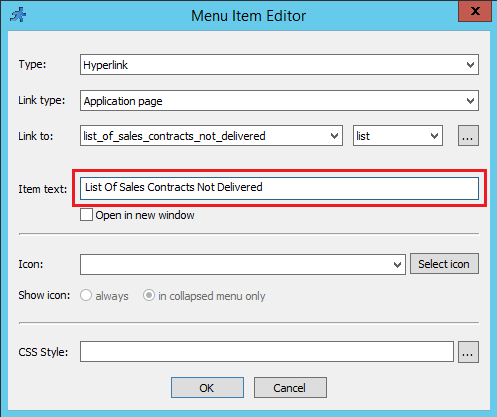
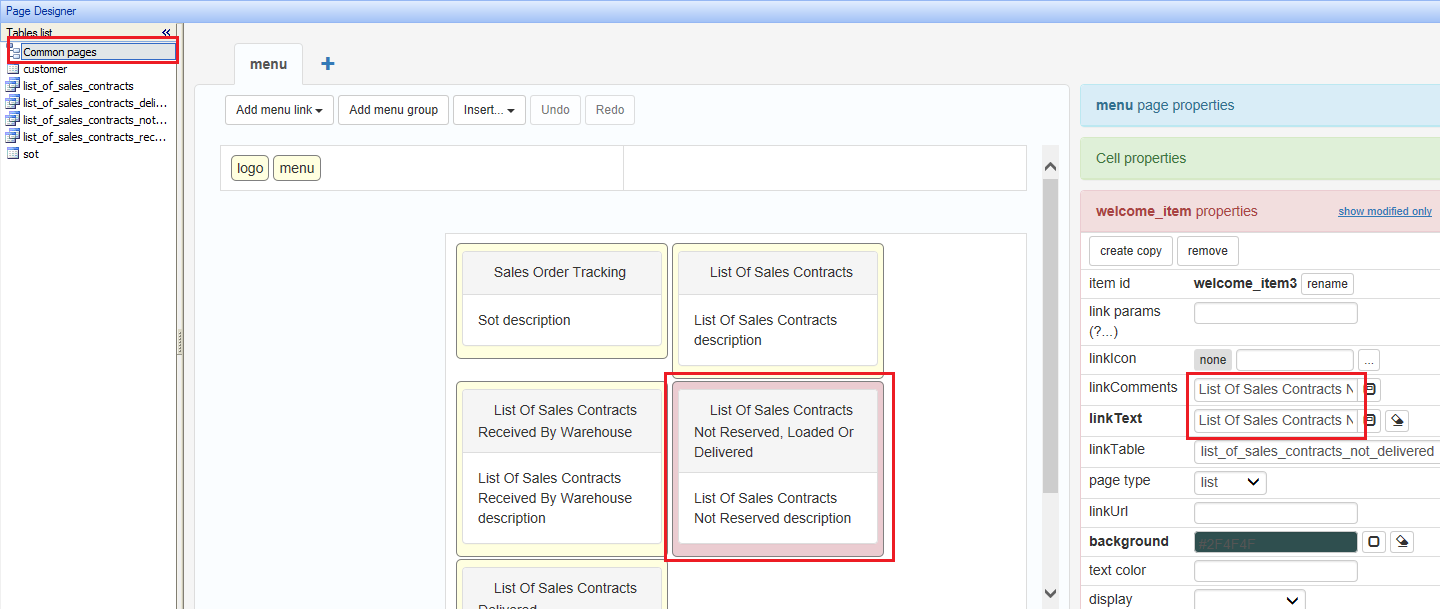
There are 3 places that need to modify:
| BEFORE | AFTER | MODIFICATION IN PHPRunner |
| List Of Sales Contracts Not Reserved, Loaded Or Delivered | Rename to List Of Sales Contracts NOT Delivered |
|
Applies to: PHPRunner version 10.4
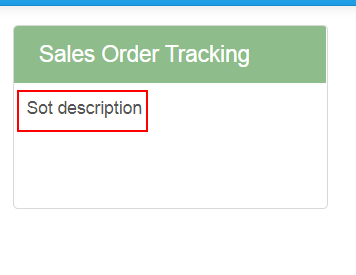
Problem: the landing page — https://sot.sweetco.com.my/v.4.0/menu.php shows descriptions:-

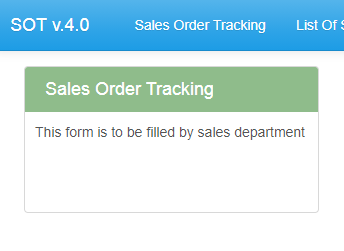
If I want to edit the description, e.g. “Sot description” change to “This form is to be filled by sales department” without using PHPRunner, how should I do it?
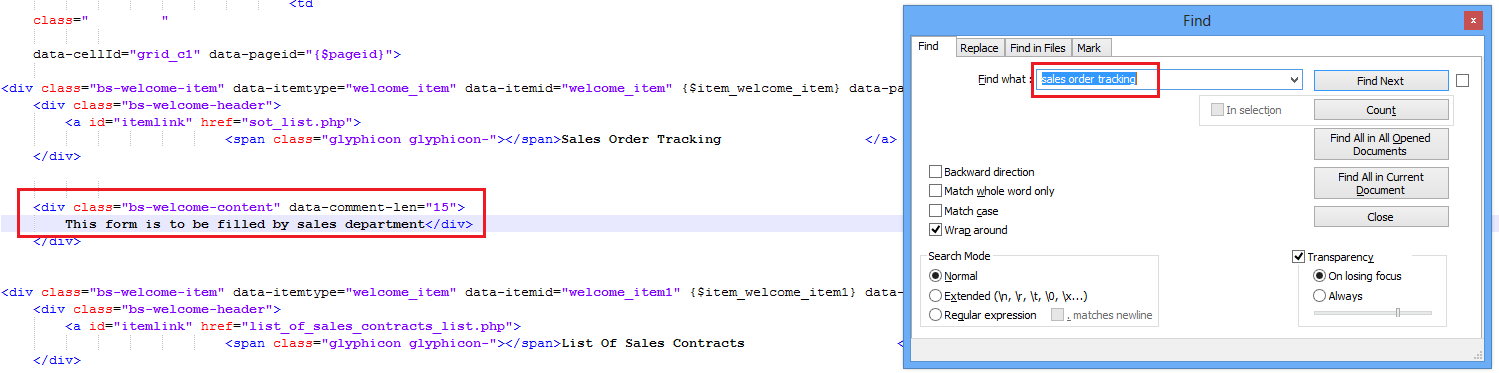
Solution: edit the file “.global_menu.htm”:

Question: Malaysia TELCO phasing out 3G soon, may we know if MOBITEK S80 (3G) and MOBITEK Q24 (2G) SMS Modem will be affected (not able to send out SMS)?
Answer no. 1: please refer to
3G Shut Down: Millions of Maxis & Celcom 4G customers may need 2G to make Calls
“Malaysia is among a limited countries around the world that have decided to shut down its 3G networks while maintaining 2G.“
“As a safety net, 2G network will still be maintained to ensure customers are able to make calls and SMS seamlessly, whenever 4G is inaccessible,”
Answer no. 2: please refer to
Digi begins shutting down its 3G network, here’s the full schedule
Digi CTO Kesavan Sivabalan said: “Our priority remains in ensuring high availability and consistency of our 4G network services, and to do so effectively, it is necessary that we retire the 3G network, freeing up crucial spectrum and resources that would now be channelled towards increasing capacity of the 4G network to support higher usage.” Users with 3G devices can still stay connected to 2G after the 3G shutdown. While 2G is sufficient for basic voice calls and SMS, it is barely usable for internet services in this day and age.
Answer no. 3: please refer to
Malaysia has not fully shut down its 3G networks, over 440,000 users have not switched to 4G phones
Malaysia was supposed to shut down all 3G networks by the end of 2021 but it turns out that some 3G sites are still operational. This was revealed during the recent JENDELA update for the final quarter of 2021.
3G users can still use their existing phones after the 3G shutdown but their devices will connect to the slower 2G connection, which can be used for basic voice calls and SMS.
Therefore, as long as 2G network is maintained, MOBITEK S80 (3G) and MOBITEK Q24 (2G) SMS Modem can still send and receive SMS.
Applies to:-
Problem: VCOM crashes when running the “Search” function on Windows 10 Professional x64 with VM previously installed on the same machine.
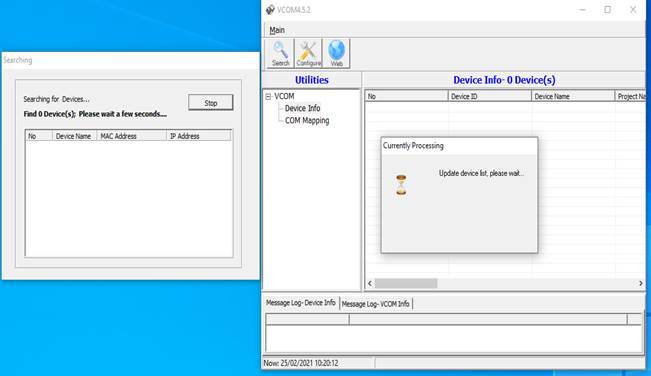
Solution: disabling Virtual Network Adapter created by Virtual Machine.

Existing customers of MobiGATE with valid warranty period or with valid annual support programme could download version 2.7 from here … (www.mobitek.my/download/MOBITEK SMS ENGINE — ENTERPRISE EDITION/Setup v.2.7.1.exe.zip)
If you wish to subscribe to annual support programme for your MobiGATE, please contact us.
Problem: when importing from csv or ods file, the date imported into MySQL Database Server is messed up, e.g. DD-MM-YYYY in csv or ods file when imported into does not show correctly as dd-mm-yy.
Cause: MySQL Database Server only accepts date format as YYYY-MM-DD, it will not convert DD-MM-YY to YYYY-MM-DD . Refer to https://dev.mysql.com/doc/refman/8.0/en/datetime.html
Solution: a quick solution is to format the date in as csv or ods file as YYYY-MM-DD before import.
When PHPRunner project is built using paid version, this trial message is removed.

Subsequently, if the project is built using trial version, the trial message will NOT appear. Therefore, it is permanently removed.
Applies to: MOBITEK S80 Modem
The warning “Device driver software was not successfully installed” can be ignored as long as there are 4 COM ports appeared when you plug in MOBITEK S80 Modem with PC.

The 4 COM ports are:-