Wavecom Fastrack Supreme 20 GSM Modem
Please note that Wavecom Fastrak M1306B and Wavecom Fastrack Supreme 20 are from the same Wavecom GSM Modem family. Therefore both models are 100% compatible.
Wavecom Fastrack Supreme 20 GSM Modem
Please note that Wavecom Fastrak M1306B and Wavecom Fastrack Supreme 20 are from the same Wavecom GSM Modem family. Therefore both models are 100% compatible.

Control Panel for SMS Engine — Enterprise Edition
We are pleased to announce the release of version 2.4.1 of Control Panel for SMS Engine — Enterprise Edition.
The SMS Engine used by MOBITEK MobiGATE model SG-B series.

Please refer to https://www.mobitek.my/main/software-development-kit/users-guide-for-control-panel-version-2-4-for-sms-engine-enterprise-edition/
Existing customer Please download the installer from https://www.mobitek.my/main/software-development-kit/users-guide-for-control-panel-version-2-4-for-sms-engine-enterprise-edition/#DOWNLOAD_THE_INSTALLER
Applies To
Problem

Solution


MOBITEK MobiGATE SG-B-8
MOBITEK® MobiGATETM is a SMS gateway having 8 ports modem and has these additional features and benefits:-
Applies to: SMS360 – Basic Edition
We like to provide 3 suggested solutions to this error message
“GetDeliveryStatusReport Modem ID: 1, Unable to update record with this report”
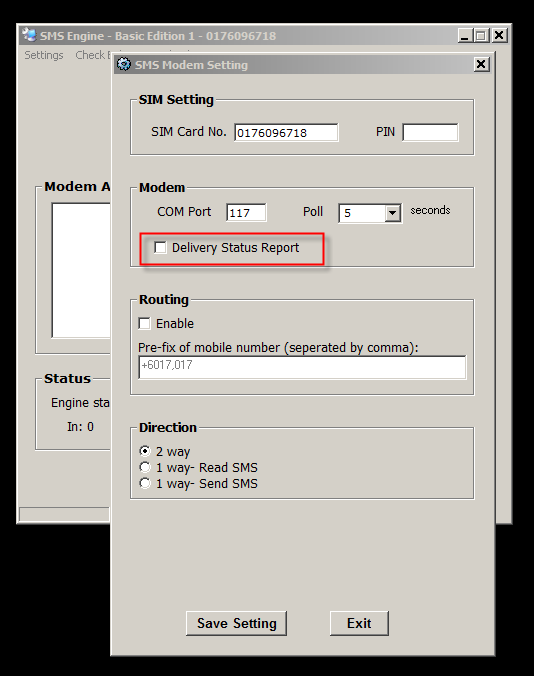
Uncheck it, the Engine will not check for any delivery report.
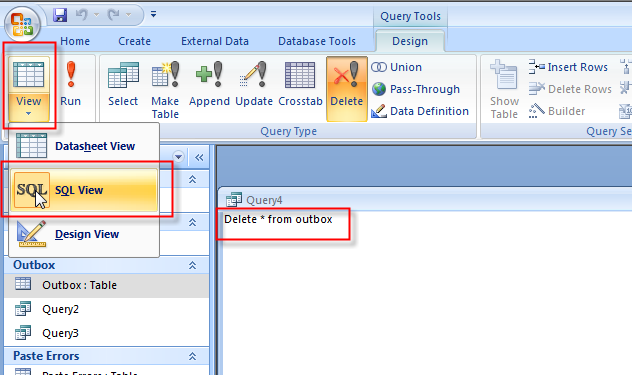
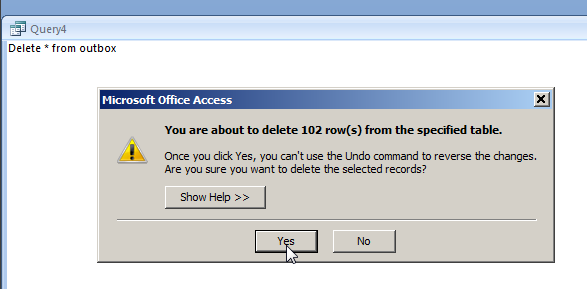
Warning: please back-up your database before you delete all records. This should be done by your software developer (John or Jen).
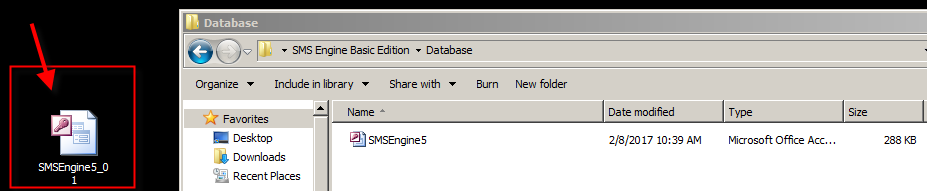

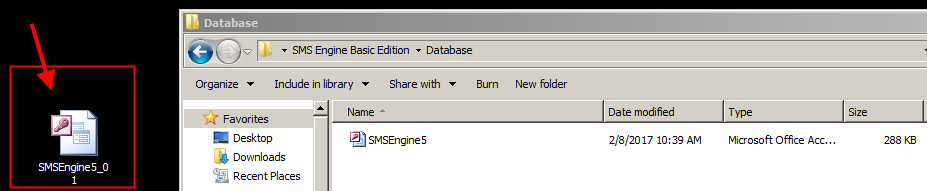
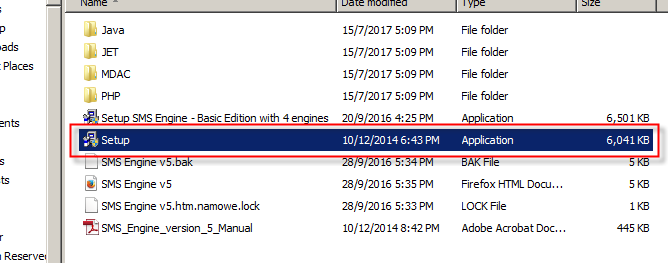
Warning: please back-up your database before you re-install. This should be done by your software developer (John or Jen).

Is SMS usage in A2P slowly replaced by Mobile App Push Notification?
Maybank has begun to do so.

| Product: | MOBITEK S80 Type S | Expiry Date of Warranty and Support | 2017-12-20 |
| Which Development Kit are you using? | What is the Operating System? | ||
| Which programming language are you using? | SIM Card Used: | ||
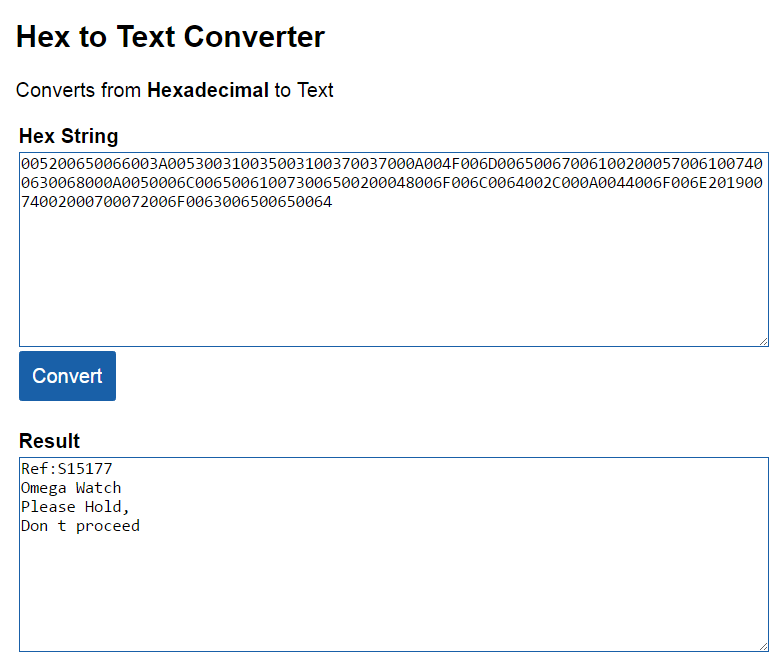
| Description of Problem: | I receive SMS with number and alphabet (unknown content) quite constantly. One of the SMS I receive as below,
005200650066003A005300310035003100370037000A could you assist. |
||
| Trouble Shooting: | |||
| Suggested Solution: |
|
||
the guide “MOBIGATE Installation Guide.pdf” has been revised (15th edition); 2 installation guides — “MOBIGATE Installation Guide.pdf” for new model while “MOBIGATE Installation Guide_14.pdf” for old model
https://www.mobitek.my/main/news/change-log-of-the-contents-of-mobitek-mobigate-installer/
Note: SMS Express is compatible with Type S only; Type S-L is not compatible.
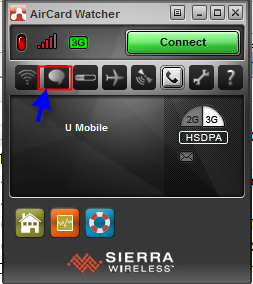


Here are 3 ways that your network monitoring software can send out SMS via our MOBITEK® S80 SMS Mode:-