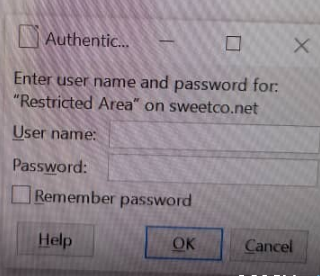
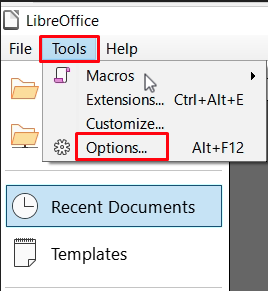
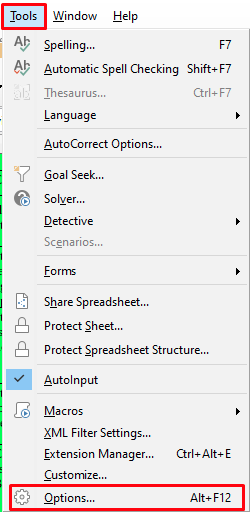
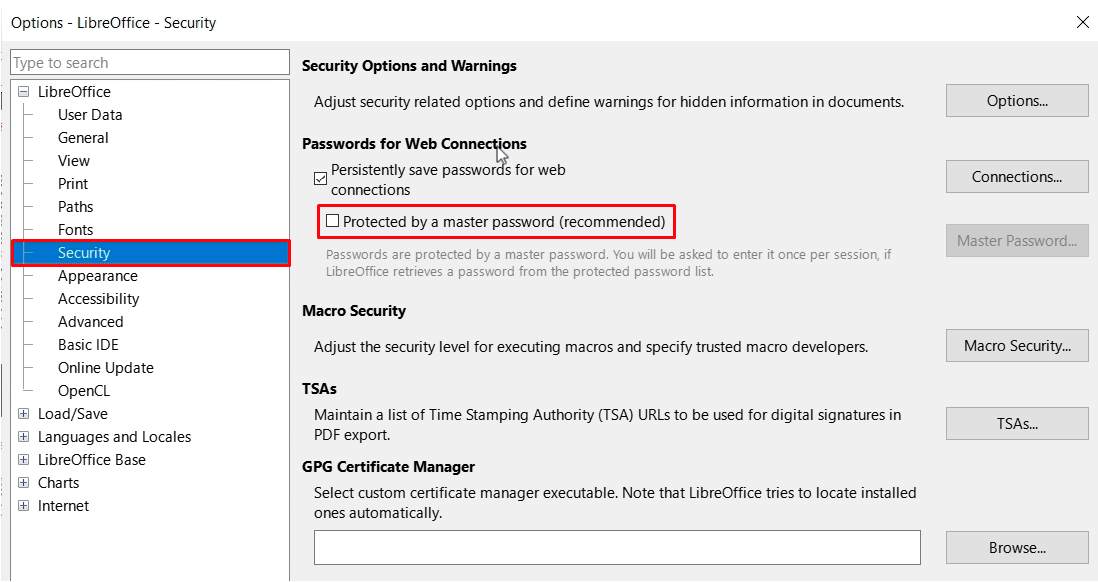
How to Disable “Authentication” Prompt by LibreOffice When Opening a File Stored in WebDav Open LibreOffice -> “Tools” -> “Options…”; or If any LibreOffice document is opened, it can be accessed from “Tools” -> “Options…”. Go to “Security” and uncheck “Protected by a master password (recommended)”.